Chrome Extension · v1.4.0
Debug APIs instantly.
No proxy. No local server. No ModiNet rule cap.
What ModiNet Does
ModiNet lets you redirect requests, mock APIs, inject delay, and modify headers in one place. Group local rules into Rule Sets and switch test environments in seconds.
New in v1.4.0
More control, no product-imposed rule cap
The latest release removes product licensing from local rules and adds faster ways to organize and scope complex test setups.
No ModiNet Rule Cap
The previous 20-rule product cap and purchase activation are gone. Chrome's own platform limits still apply.
Rule Sets
Group rules by project or environment, then switch the active Rule Set from Options or the popup.
Precise Header Scoping
Target multiple request URL patterns and optionally apply header changes only from matching page URLs.
Real Developer Scenarios
“Backend not ready? Use Mock API.”
“Need to test slow network? Inject delay.”
“Switching projects or environments? Change Rule Sets instantly.”
“Need to override auth headers? Modify safely.”
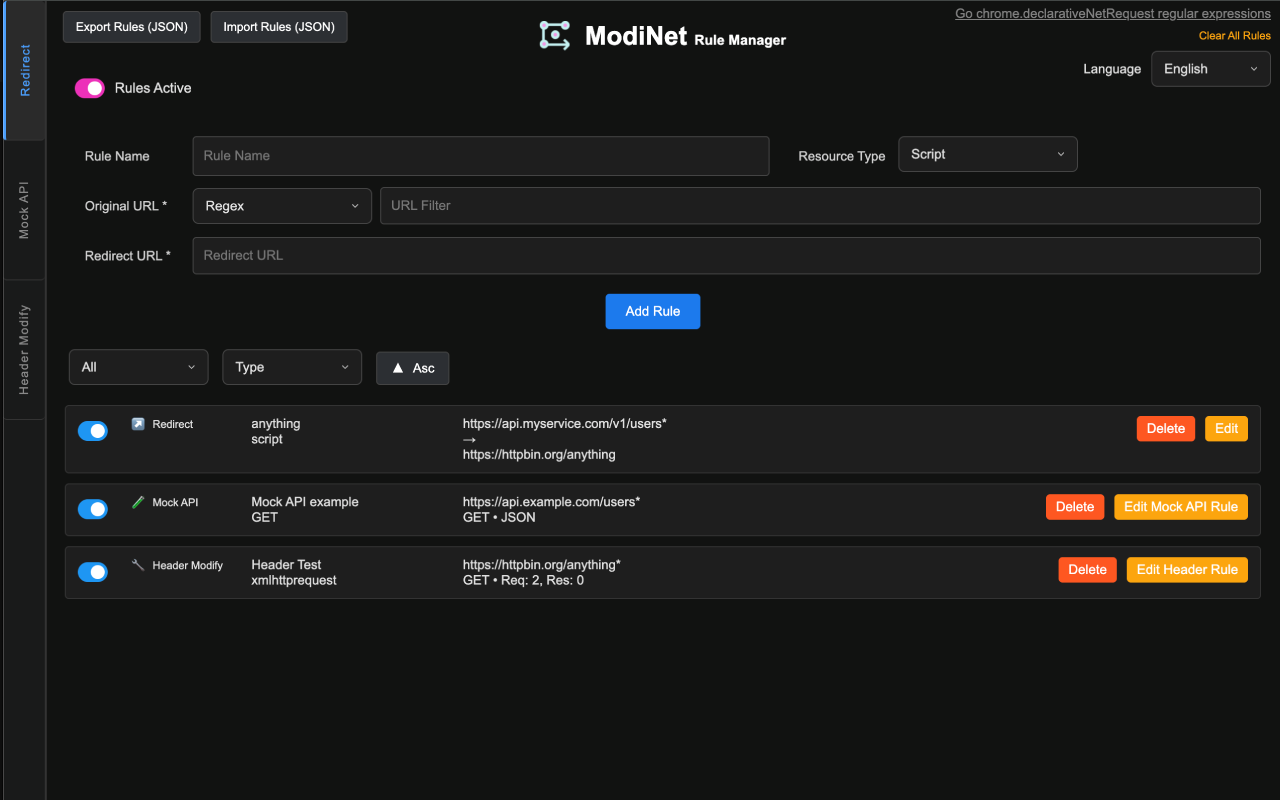
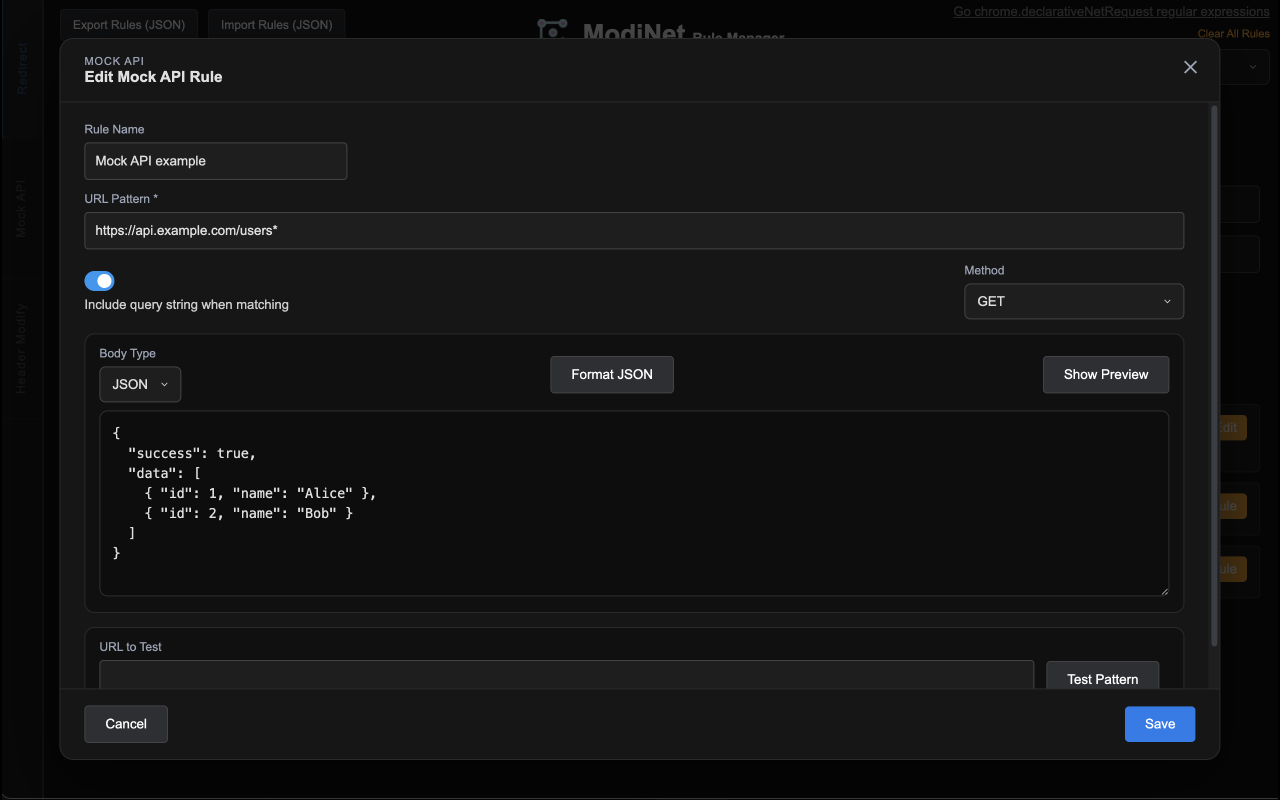
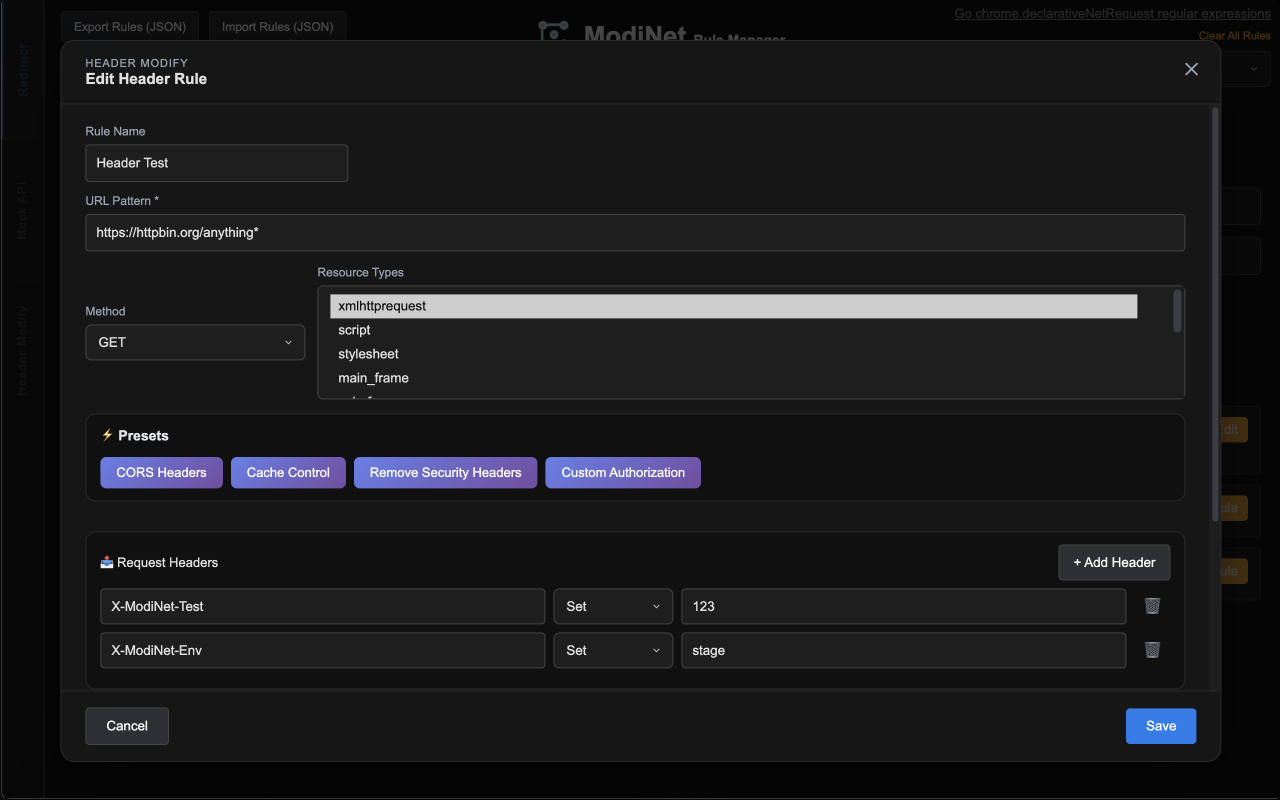
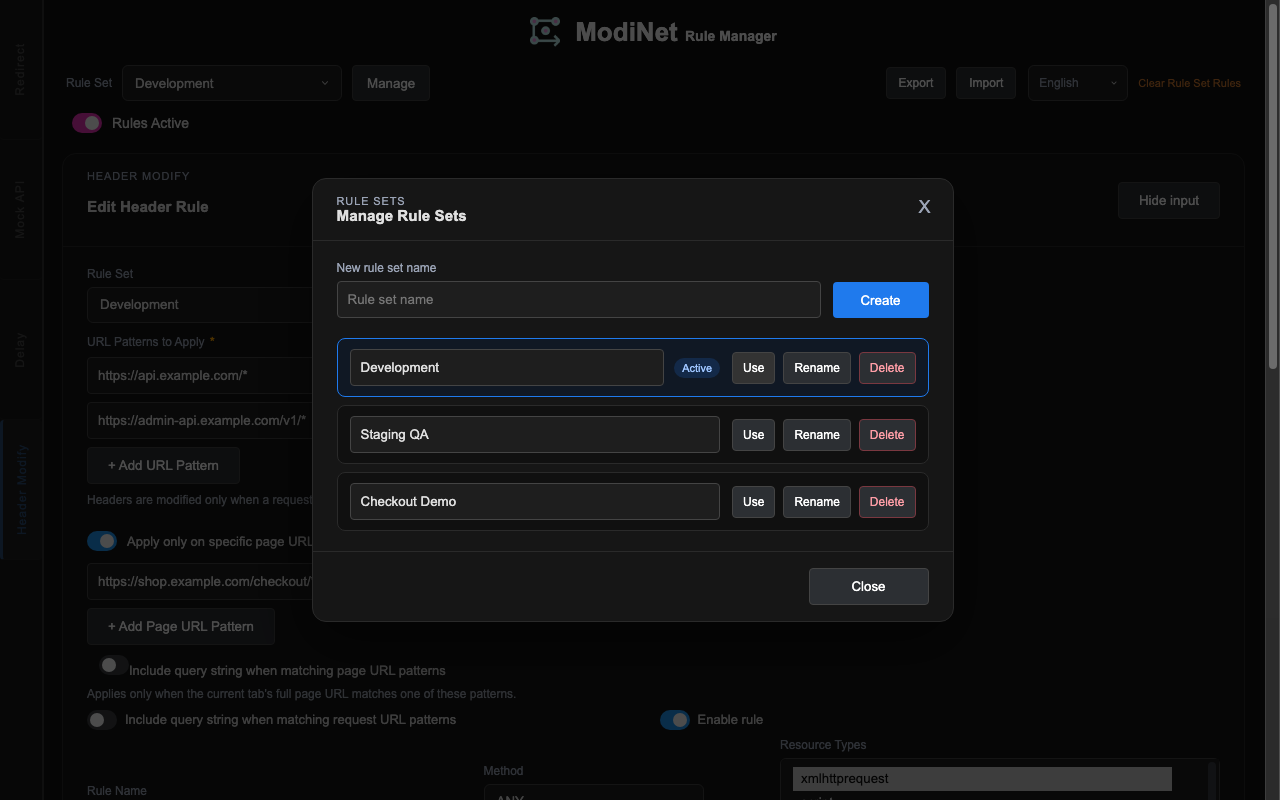
Redirect
Redirect requests by URL or regex pattern and choose resource types like script, stylesheet, main_frame, XHR, and image.
Mock API
Return mock response bodies in browser with URL pattern, method filter, query include option, and body type controls.
Header Modify
Set, append, or remove request/response headers across multiple URL patterns, with optional page URL, method, resource type, and query filters.
Delay Injection
Delay fetch/XHR calls by milliseconds. Abort support is handled and synchronous XHR is intentionally excluded.
Rule Sets & Backup
Create, rename, and switch Rule Sets, then export or import rules and Rule Sets together as JSON.
Onboarding Demo
Sample redirect/mock/delay rules are auto-installed so you can test behavior quickly.
Limitations and Notes
Known constraints are listed below so you can evaluate where ModiNet fits best before installation.
Limitations
ModiNet no longer imposes its former 20-rule product cap, but Chrome platform limits still apply. Mock API supports response bodies only.
Permissions
Uses DNR, storage, scripting, tabs, and host access to apply rules, persist settings, and scope header changes to matching tabs.
Automation API
Background message API is available but disabled by default and protected by token and allow-list checks.
Usage Flow
Open the Options page and configure Redirect, Mock, Header, or Delay. Save and enable a rule to apply it immediately.
Rules, Rule Sets, and settings are saved in chrome.storage.local. ModiNet does not impose a local rule limit or require purchase activation.
Ready to Install
Install ModiNet and debug browser traffic in minutes
Start with sample rules, verify behavior quickly, and iterate API testing workflows without local proxy setup.
Q&A
Google Form 대신 여기서 바로 질문을 받고, 등록된 답변도 이 페이지에서 바로 확인할 수 있습니다.